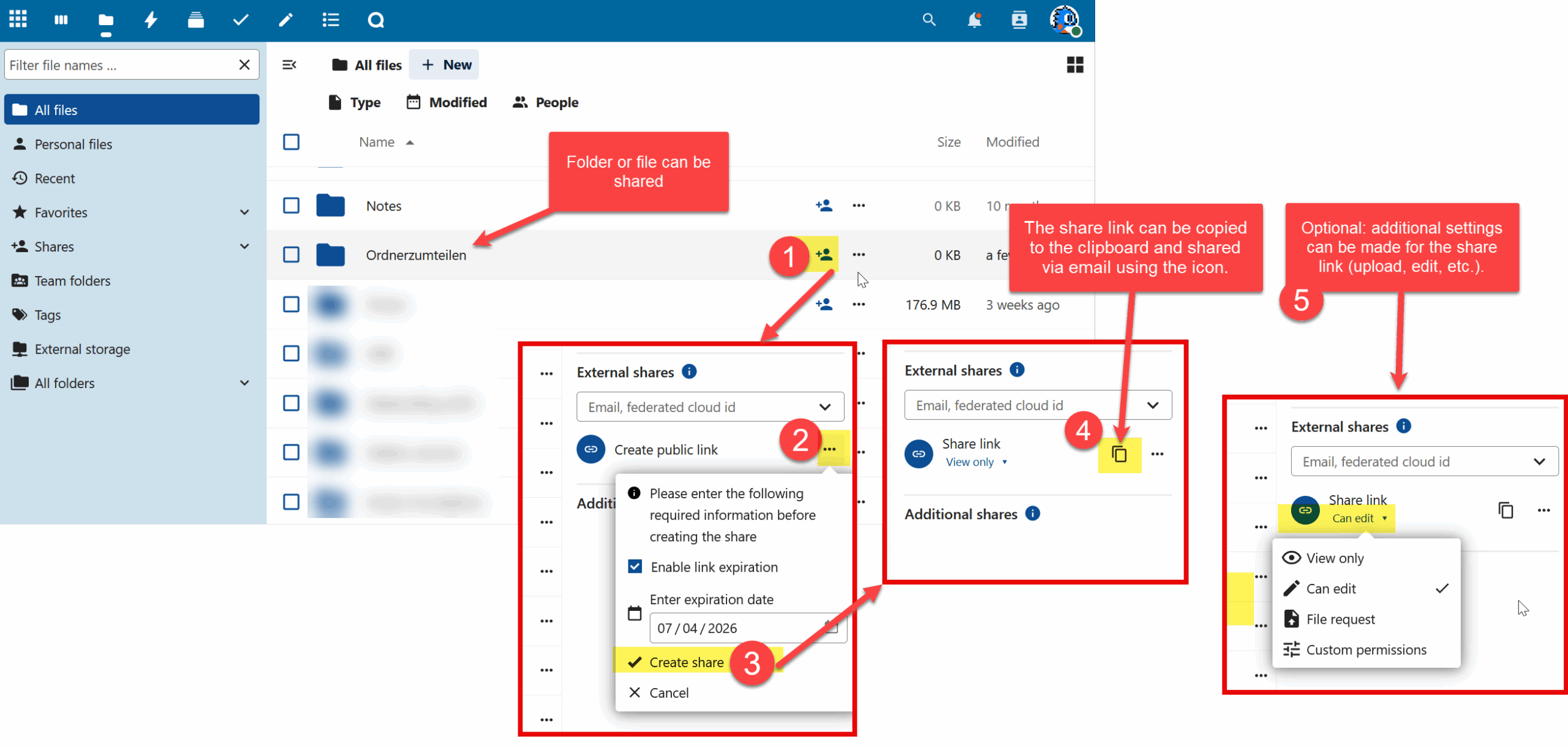
In addition to server storage space, we provide you with personal cloud storage of 100 GB for D-ARCH students and 300 GB for D-ARCH staff.
This allows you, for example, to share large datasets with external partners or members of the ETH community.
How to share your data over a link (URL)
Nextcloud Client Installation
To install the Nextcloud Client you first need to log into https://nextcloud.ethz.ch on the Browser.
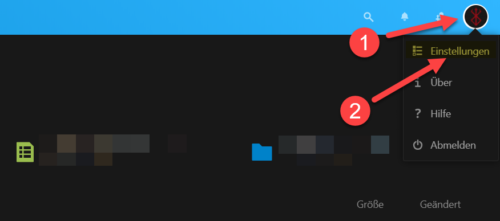
After logging in you need to click the User-Icon (1) on the top-right to get to the Settings (2)
Go to Mobile & Desktop (3) in the Settings to download the Client.
Before we click Desktop App (5) we first need to copy the Server Link (4) since we will need that later on.
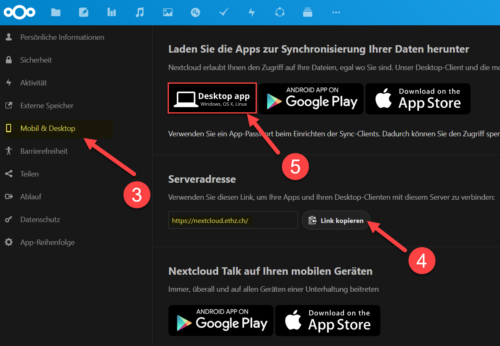
- The last shortcut will lead you to the official Download-Page, where you can download the Client for each Operating System.
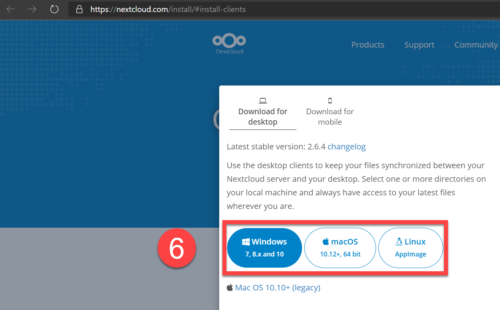
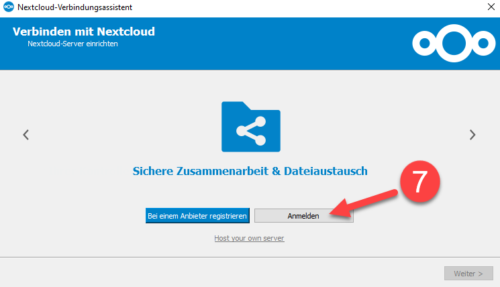
After the download is complete and the Client installed, this window will show up.
Continue with «Register» (7).
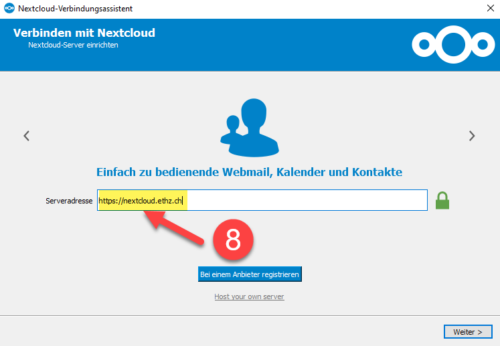
- Paste the link which we copied before (https://nextcloud.ethz.ch), and go to «Continue».
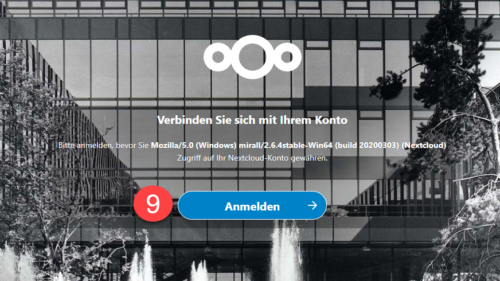
Click here «Register» (9).
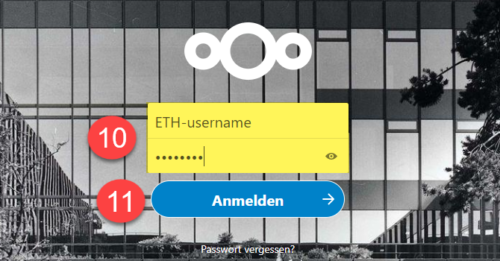
Next type in the ETH-Username (10) and the ETH-Password (11)
(Server, Mail)
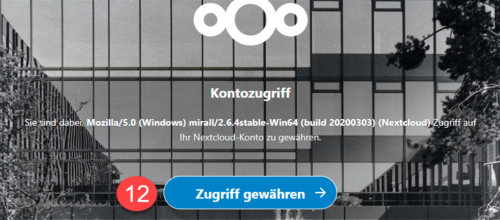
Click here «Grant Access» (12).
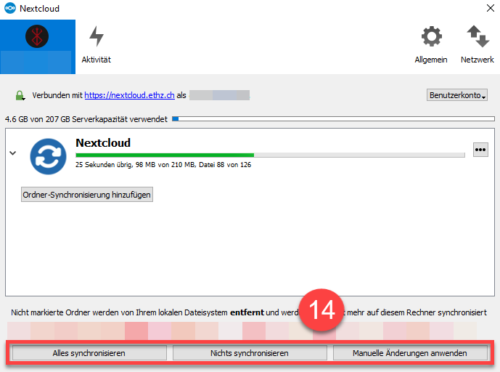
- In this window you can either synchronize all Data from the Server to your device or synchronize separate Folders. After you’ve done that you can click «Connect».
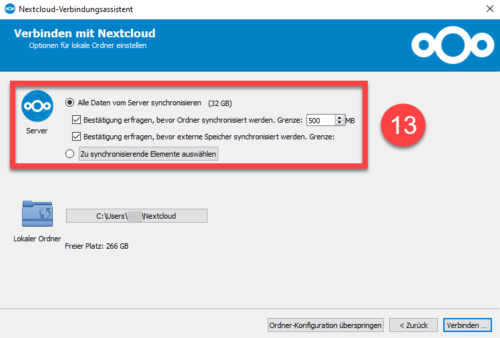
- After you chose your Settings you can decide what happens to the unmarked Folders.
After you’ve done that your Nextcloud Client should be running on your Computer.